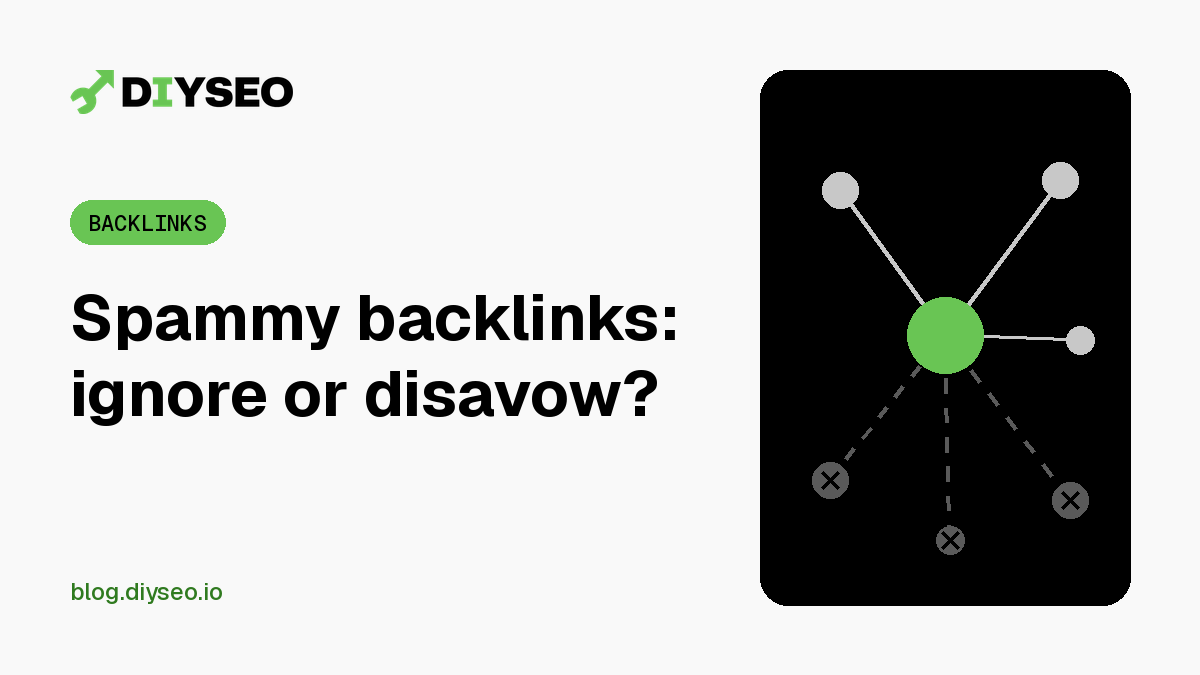
Open any backlink report and you will probably find links from sites you have never heard of. It is tempting to start disavowing them right away. Google’s guidance says that, in most cases, you should not.
What Google counts as link spam
Google defines link spam as links created mainly to manipulate search rankings (Google Search Central). Its examples include:
- Buying or selling links for ranking purposes, including trading goods or services for links
- Excessive link exchanges (“link to me and I’ll link to you”)
- Using automated programs or services to create links to your site
- Low-quality directory or bookmark site links
- Links hidden in widgets or spread across the footers or templates of many sites
- Forum comments stuffed with keyword-rich links
Paid links are not a problem by themselves. Google says advertising and sponsorship links are fine as long as they carry a rel="sponsored" or rel="nofollow" attribute (Google Search Central).
Most sites do not need to disavow
Google calls the disavow tool an advanced feature that can harm your site’s performance in Google Search if used incorrectly. It also says Google can usually work out which links to trust on its own, so most sites will not need it (Search Console Help).
Google says to disavow only when both of these are true (Search Console Help):
- You have a considerable number of spammy, artificial or low-quality links pointing to your site, and
- Those links have caused a manual action, or likely will.
If you or a past SEO provider bought links or joined a link scheme, that second point may apply to you. A handful of random links from low-quality sites you never asked for usually does not.
Check for a manual action first
In Search Console, open the Manual actions report. If Google has taken action against your site for unnatural links, the report says so. If it is clear and you have never bought links or joined a link scheme, you can usually leave odd links alone.
If you do need to clean up
Google’s order of steps is to try to get the links removed first, and to disavow only the ones you cannot remove (Search Console Help). The disavow file has strict rules:
- A plain text file ending in
.txt, encoded in UTF-8 or 7-bit ASCII - One URL or domain per line, with
domain:in front to disavow a whole domain or subdomain - Lines starting with
#are treated as comments and ignored - No more than 100,000 lines and 2 MB
# Paid links from an old campaign. Removal requested, no reply.
domain:example.com
https://example.net/page-with-paid-link.html
A few more details from Google: each property can have only one disavow list, and uploading a new one replaces the old one. The tool does not support Domain properties, so you need a URL-prefix property to use it. After a successful upload, Google can take a few weeks to process the list (Search Console Help).
Sort the real risks from the noise
DIY SEO’s backlink audit spots spam links, explains which ones to ignore and when a disavow file is actually warranted, and builds the file for you when it is. Start your free trial.