When someone searches for a service “near me,” Google shows a map with a short list of businesses. Google publishes what decides that list, and it is shorter than most SEO advice suggests.
The three factors Google names
Google’s Business Profile Help lists three: relevance, distance and prominence (Google Business Profile Help).
- Relevance is how well your Business Profile matches what someone searched for. Google says complete and detailed business information helps it match you to the right searches.
- Distance is how far your business is from the person searching. If they do not share their location, Google uses what it knows about where they are.
- Prominence is how well known your business is. Google says this is partly based on how many websites link to your business and how many reviews you have, and that more reviews and positive ratings can help.
Google also states that there is no way to request or pay for a better local ranking (Google Business Profile Help). Be wary of anyone who promises a guaranteed spot in the map results.
What you can do about each one
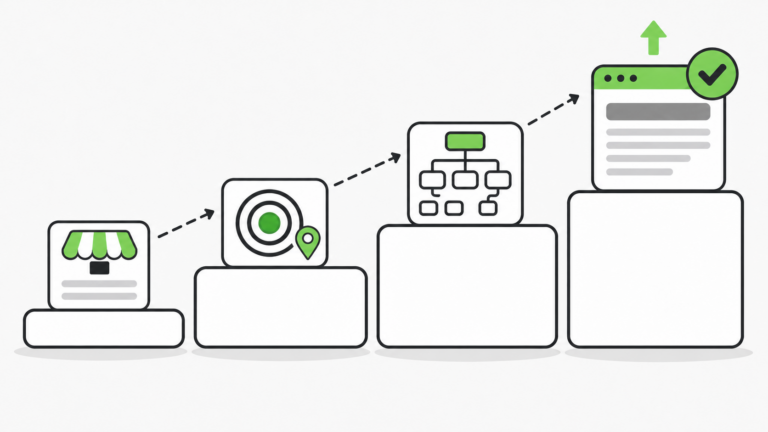
You cannot move your business closer to every customer, so focus on relevance and prominence. Google recommends these steps (Google Business Profile Help):
- Verify your business. Google says a verified profile is more likely to show up in search results.
- Complete your profile and keep it current. Add your full address if customers can visit you, your hours (including special hours for holidays), your business category, and other details such as parking or Wi-Fi.
- Respond to reviews. Replies show customers you value their feedback, and positive reviews with helpful replies can help you stand out.
- Add photos and videos. Show customers what you offer and the story behind your business.
- Add in-store products if you are a retailer. This option is only available to retail businesses in eligible countries or regions.
Because prominence also includes the websites that link to you, being listed in respected directories and local sites for your industry is worth the effort. Keep your business name, address and phone number the same everywhere you are listed so customers are not confused.
Why your ranking looks different across town
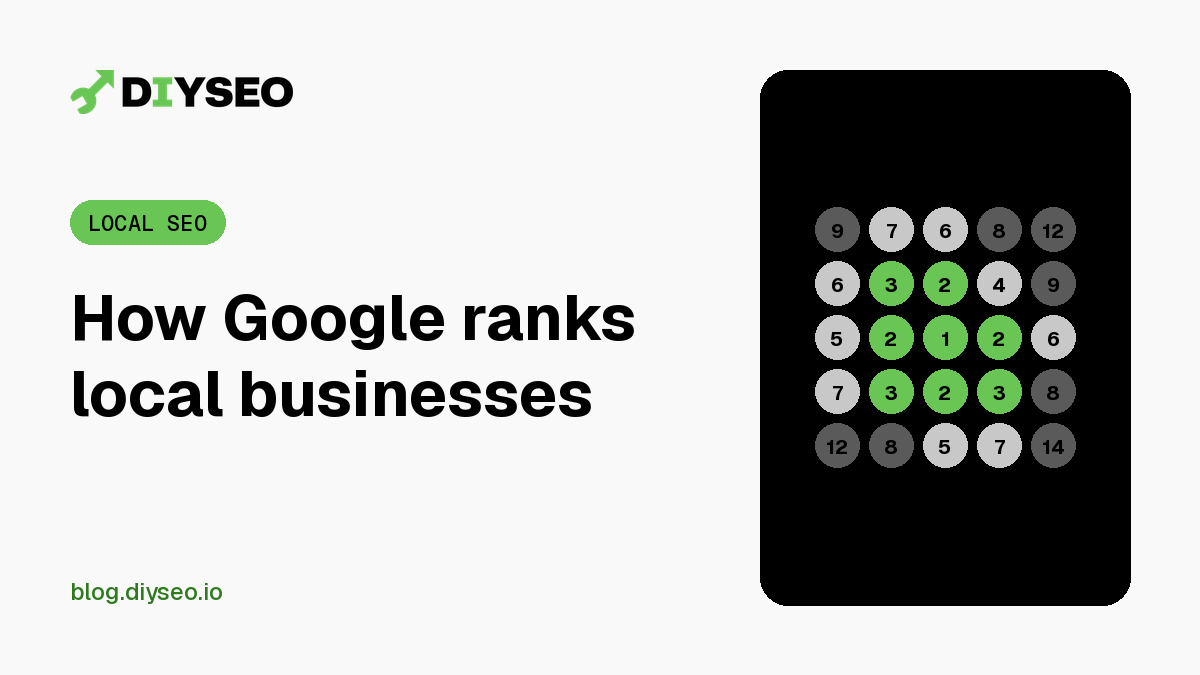
Distance is part of the formula, so your position in the map results changes with where the searcher is standing. A business can rank first a block away and not appear at all a few miles out. Checking from one spot only tells you part of the story.
DIY SEO’s Map Rank Tracking add-on checks your map ranking across a grid of points around your business, so you can see where you show up and where you do not. Start your free trial.